
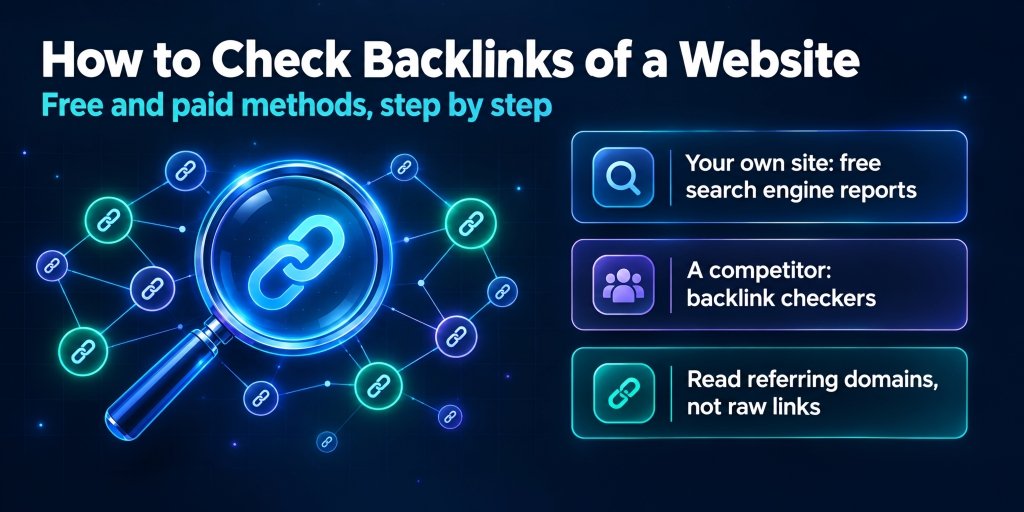
Run one domain through three backlink tools and you’ll get three totals. 1,200 in the first. 3,400 in the second. The third acts like the site hardly exists.
Most people working out how to check backlinks of a website for the first time read that as a sign something’s broken. It isn’t. Each tool just sees a different chunk of the web, and once that sinks in, the whole job gets a lot less stressful.
Below you’ll find the free options, the paid ones, and what’s actually worth reading once the list is on your screen. I’ll skip theory wherever I can.
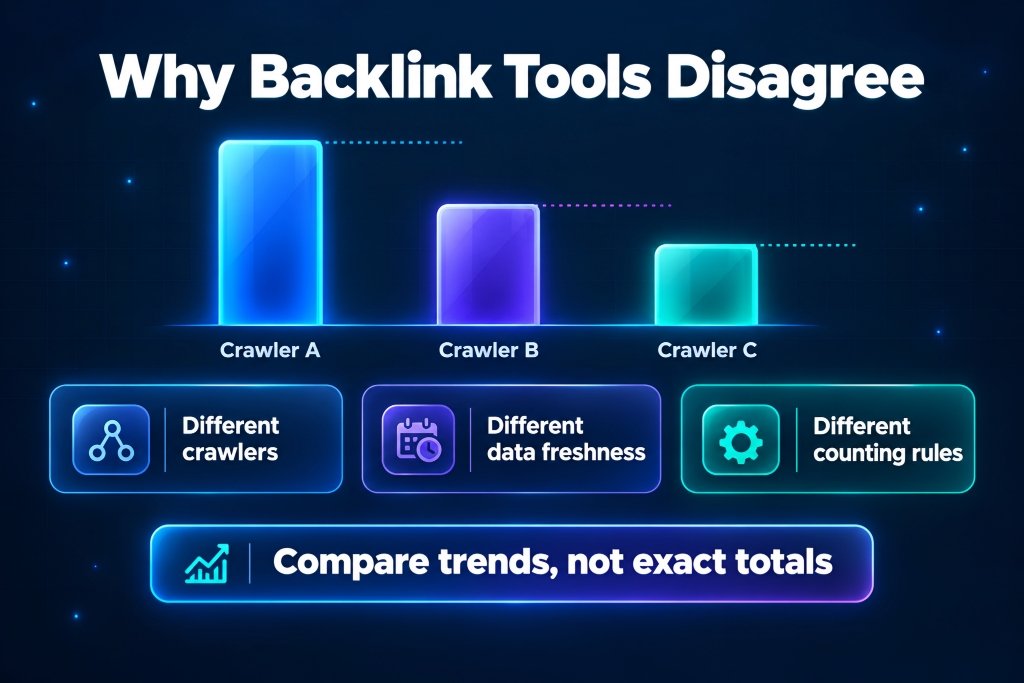
Why every backlink tool shows a different number
Nobody crawls the whole web. Each tool sends out its own bots, picks its own pages and decides how long to hang on to old data. Google has its own version of your link profile too, and it only shows you a slice of that.
Counting rules differ as well. One tool counts every single link. Another groups them by domain. A footer link on a big site can be thousands of backlinks in one report and a single referring domain in the next. Some tools delete a link the day it dies, others keep it for weeks, so a lost link can look alive for a long time.
So stop hunting for the true number, because there isn’t one. What works is picking a method and sticking with it, then watching the trend: new referring domains, lost ones, month after month. And if you’re measuring yourself against a competitor, run both sites through the same tool. Otherwise you’re comparing two different rulers.
How to check backlinks of a website you own
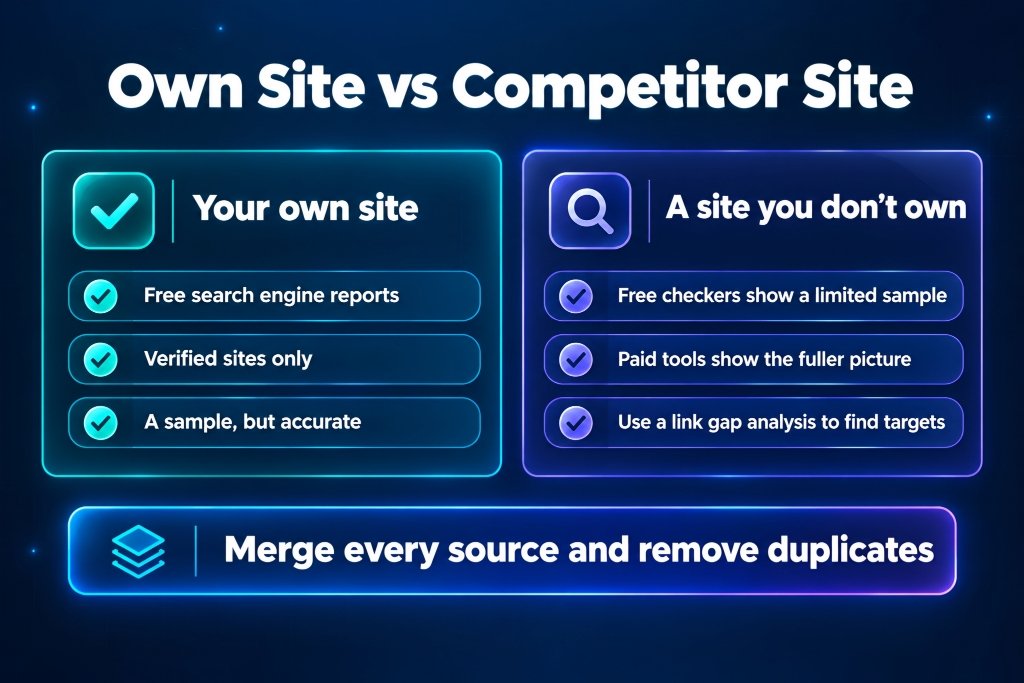
Start with Google Search Console. It’s free, and it’s Google’s own data, which counts for something. Open Links in the left menu. The external links part is what you want: top linked pages, top linking sites and top linking text, which is just the anchor text people use when they point at you.
Two catches. You can only see sites you’ve verified, and what you get is a sample, not everything. On a small site that sample is close to the full picture. On a big one it’s a slice. Hit export and drop each list into a spreadsheet, because scrolling through the screen version gets old fast.
Bing Webmaster Tools is the other free source, and people forget it exists. It has its own backlink report for verified sites and now and then shows links Search Console doesn’t. Setup takes a few minutes, and you can usually import your site straight from your Search Console account.
If you pay for an SEO platform, export from that too. Every source misses things the others catch, so merge them into one sheet and delete the duplicates. Hardly anyone bothers, which is a shame, because that merged sheet is the closest you’ll get to the real picture. Our backlink audit guide walks through the merge step by step.
How to check backlinks of a website you don’t own
Search Console is out here. You can’t verify somebody else’s site, so third-party tools are the only route.
Plenty of SEO platforms have a free backlink checker. Free usually means a small sample, say the strongest handful of links, which is fine if all you want is a quick look at who links to a competitor. Paid plans open up the full list of referring domains, new and lost links, anchors, and the pages that pull in the most links.
Skip Google’s old link: search operator. It stopped returning anything reliable a long time ago, so whatever count it gives you is basically noise.
Once you’ve got a competitor’s list, the raw count matters less than the overlap. Which sites link to them and not to you? That’s a link gap analysis, and it’s what turns a backlink check into a target list instead of a screenshot you’ll never look at again.
Free or paid: what you actually need
For a small site, free covers it. Search Console and Bing for your own, a free checker for a peek at competitors. Honestly, that’s where I’d start, and it’s the short answer to how to check backlinks of a website without spending a cent.
Paid tools earn their money when you need depth. Several competitors at once, months of new and lost links, anchor text across a big site. The free samples run dry fast, and the paid crawlers simply find more, since they’ve been collecting links for years.
My rule is boring. Check a few times a year? Stay free. Backlinks part of your week? Pay for one good tool and don’t hop between them, because your numbers only stay comparable if the tool stays the same.
What to look at once you have the list
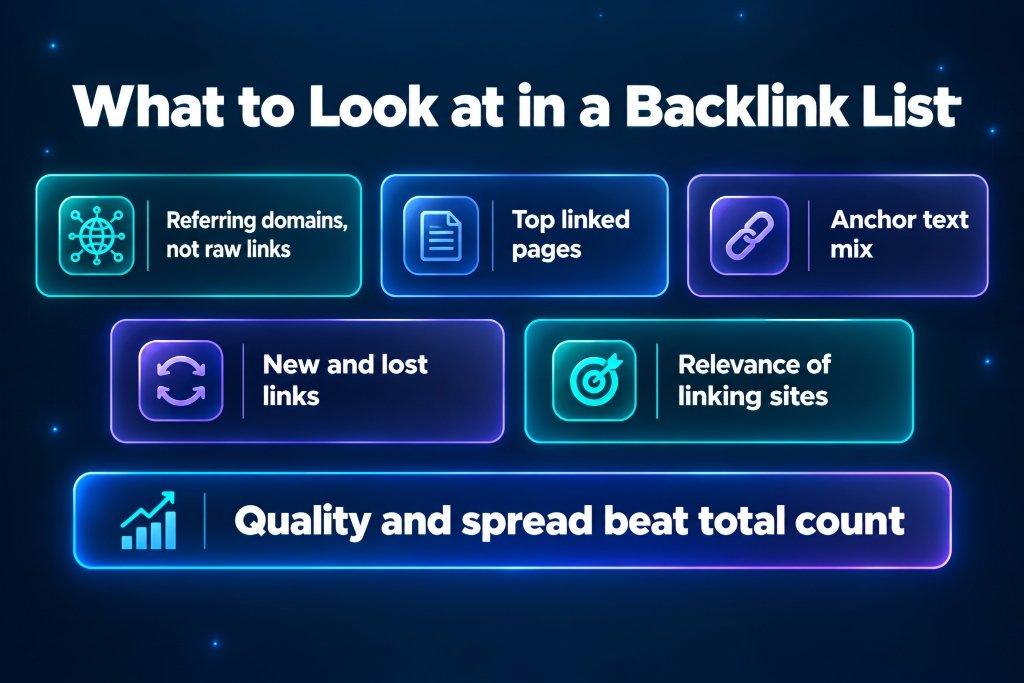
A thousand rows is just a thousand rows until you know what to read. This is the order I go in.
Referring domains first, not total backlinks. Ten links from one site are worth far less than ten links from ten sites, so unique domains tell you more than the headline number.
Top linked pages next. If one old article holds most of your links, that URL is precious and you shouldn’t break it. If everything points at the homepage, your inner pages are getting nothing.
Then anchor text. Healthy profiles are mostly brand names, bare URLs and ordinary phrases. One money phrase repeated forty times sticks out like a sore thumb. The guide on anchor text distribution shows what a normal mix looks like.
After that, new and lost links. The pace matters, and link velocity covers what normal looks like. Lost links deserve a look too, since winning one back usually beats building a fresh one, and link reclamation shows how.
Last, who’s doing the linking. A page close to your topic, on a site with real visitors, beats a random mention. Every site also collects a few strange links over the years, and most are harmless. If one looks nasty, our guide to toxic backlinks helps you decide whether it needs any action at all.
How to check backlinks to a single page
Sometimes the whole site is the wrong question. One of your guides suddenly ranks, or a competitor’s article is sitting above yours, and you want to know who links to that one URL.
The method for how to check backlinks of a website works at page level too, just narrower. In Search Console, open the top linked pages list and click the page to see the sites linking to it. In a paid tool, paste the exact URL into the backlink report instead of the domain. You’ll only see links to that page, which explains a lot about why it ranks and which links might be worth chasing for your own version.
It’s also the quickest way to find out whether a new link got picked up at all. Still waiting on one? Our article on how long backlinks take to work sets realistic expectations.
A quick example of putting it together
Take a small SaaS site. Search Console lists 40 linking sites. Bing adds a few it missed. A paid export adds another batch, and much of it overlaps with what you already had. After merging and removing duplicates you’re at 62 unique referring domains, more than any single source reported.
Then you actually read the list. Nine of those domains link to an old integration page that was deleted months ago. Six are sitewide links from one partner. The three best links go to the homepage, while the pricing page has none at all. No single report showed any of that, and every bit of it is fixable. That’s why learning how to check backlinks of a website properly pays off. The list isn’t the point. What it reveals is.
A simple monthly routine
Once you know how to check backlinks of a website, turn it into a habit. Ten minutes at the start of the month is plenty.
Export from Search Console, and from Bing if you’ve set it up. Note the total referring domains, how many are new and how many were lost. Skim the top linked pages and any odd new anchors. One row per month in a spreadsheet, nothing fancy.
Six months in, that sheet shows what no single report can: which months brought links, which pages keep pulling them in, and whether something quietly broke. Every quarter or so, run a full audit on top of it.
Checking backlinks on finance and SaaS sites
Finance is about quality over volume. One link from a respected industry publication can outweigh dozens of small ones, so when you go through the list, confirm your best linking pages are still live and indexed.
SaaS looks different. Links pile up on integration pages, partner directories and review sites, and plenty of those die after a rebrand or a pricing change. When you work through how to check backlinks of a website like that, hunt for old product names and retired URLs. They tend to hide links you can win back.
Mistakes that skew the picture
People learning how to check backlinks of a website keep making the same few mistakes. Trusting one tool’s total. Counting raw backlinks instead of referring domains. Comparing your number from one tool with a competitor’s from another. Writing off Search Console because it looks tiny next to a paid tool. Checking once and never again. And freaking out over a handful of weird links.
That last one is worth a second look. A few spammy links don’t mean anything is wrong. Check the pattern before you react.
Final thoughts
No tool shows everything, and that’s fine. For your own site, start with Search Console and Bing, then add a paid export if you’ve got one. For a competitor, use a third-party checker and look for the gaps. Read the domains, the linked pages, the anchors, and what’s new or lost. Then repeat it on a schedule.
If you take one thing from how to check backlinks of a website, make it the routine, not the tool. Once you know where you stand, how many backlinks do you need to rank is a good way to set a realistic target.


Leave a Reply